
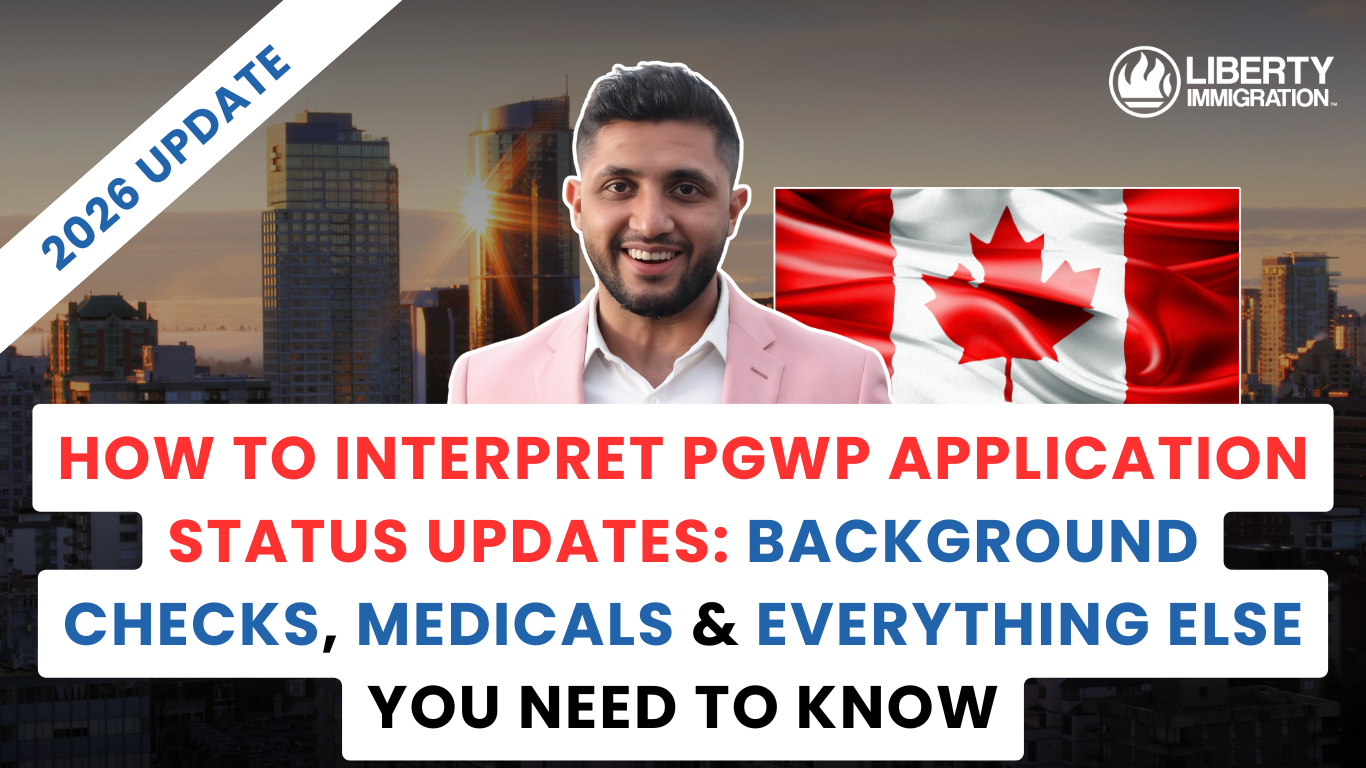
How to Interpret PGWP Application Status Updates: Background Checks, Medicals & Everything Else You Need to Know
Executive Summary: Navigating Live PGWP Tracking Realities
Monitoring your immigration portal profile requires a strong understanding of backend terminology. Sourcing real data from mid-2026 administrative processing lanes reveals that a single change in your pgwp application status indicates specific procedural steps. While the main interface presents generalized updates, the specialized application status tracker provides a deeper look into your file. RCIC Vineet outlines the critical milestone markers below to help you interpret every stage of your application accurately.
- The Core Tracking Networks: Applicants can monitor progress through two distinct online interfaces: the primary IRCC Secure Account dashboard and the dedicated Application Status Tracker.
- Processing Milestones: Your electronic file moves through four major verification stages: Eligibility Review, Biometrics Validation, Medical Clearance, and Background Verification.
- Maintained Legal Protections: Even if individual tracking sections stay in progress for several months, your legal right to work full-time remains fully protected by immigration regulations.
How to Interpret PGWP Application Status Updates: Background Checks, Medicals & Portal Tracking Guide
Submitting an online application for a Post-Graduation Work Permit (PGWP) is a major milestone, but interpreting the updates in your account can sometimes feel confusing. Checking online forums reveals a common pattern: thousands of recent international graduates check their accounts daily, trying to understand what specific changes mean. Consequently, knowing how to read your **pgwp application status** accurately is essential to managing your transition smoothly.
In 2026, Immigration, Refugees and Citizenship Canada (IRCC) utilizes a detailed, multi-layered digital tracking environment. Because case files must go through meticulous manual checks for educational shortages and language benchmarks, status updates follow a non-linear path. Therefore, an application section may remain unchanged for weeks before moving directly to completion.
As Regulated Canadian Immigration Consultants (RCICs), we monitor these system updates on a daily basis. If your profile status has recently changed or you need to understand the backend tracking stages, this complete guide provides the necessary clarity. Review our step-by-step analysis below.
Confused by a Sudden Change in Your Portal? Schedule an Expert Application Status Review1. Understanding the Official IRCC Processing Milestones
When you log into the specialized application status tracker portal, your case file is broken down into four core administrative sections. Each section follows its own processing line and updates independently based on officer reviews.
Review the comprehensive IRCC portal status matrix below to identify what each stage indicates:
| Tracking Section | Portal Status Value | Detailed Operational Meaning & Next Steps |
|---|---|---|
| Eligibility Review | In Progress | An officer is manually checking your transcripts, DLI eligibility, and language score benchmarks. |
| Biometrics | Completed | Your digital fingerprints and photograph have been successfully linked to the active case file. |
| Medical Exam | Passed / Exempt | Your health records have been cleared, or your profile meets the temporary public interest exemption rules. |
| Background Verification | In Progress | The system is performing standard admissibility screening, which involves cross-referencing global security databases. |
Your master application status can display three main values: **Received** indicates initial system ingestion; **In Progress** means active officer assessment is underway; and **Closed** signifies that a final decision—whether an approval or a refusal—has been finalized.
2. Decoding Key Messages in the IRCC Portal
Many applicants experience anxiety when they notice subtle changes in their IRCC Secure Account. Understanding the operational logic behind these updates can help clarify what is happening with your file.
The "Review of Eligibility" Stage
When this section shifts to "We are reviewing whether you meet the eligibility requirements," your application has been assigned to a processing desk. At this point, the officer evaluates your graduation documents against active 2026 requirements. For college grads, this includes verifying your 6-digit CIP code alignment; for all applicants, it involves checking your language test credentials.
The Background Check Phase
The message "We are processing your background check" covers routine security screenings. This stage runs on an independent timeline and depends on verification protocols with international partner databases. Consequently, seeing this status remain active for several months is normal and does not mean there is an issue with your file.
- "Not Started": The processing queue has not yet routed your file to an officer's workstation.
- "Waiting on You": IRCC has issued an official procedural request for more information, which requires a document upload.
- "Closed": The application has reached a final stage, and an official decision letter is being sent to your account messages.
3. Tracking Discrepancies: Secure Account vs. Status Tracker
Applicants often notice that the primary IRCC Secure Account (where the application was submitted) displays different information than the dynamic Application Status Tracker portal. This variance stems from how data syncs between the two systems.
The primary account reflects formal system changes, such as biometrics requests or final approval letters. Meanwhile, the Application Status Tracker displays incremental updates from internal case management systems, meaning it often shows stage completions a few days before they appear on your main page.
If you see a section move to "Completed" in the tracker while your main account still shows "Submitted," the file is progressing normally. You do not need to submit duplicate inquiries or contact the help desk; simply wait for the backend synchronization to update your primary account dashboard.
4. Actionable Steps If Your Status Stops Updating
If your application status remains unchanged for a period that significantly exceeds the standard 195-day processing average, you can take active steps to check on its progress.
Step 1: Submit an Online Webform Query
Send a status request through the central webform. Include your application number and unique client identifier. Re-uploading your graduation letters and language test scores can ensure the file is complete and ready for final review.
Step 2: Request Your Internal GCMS Notes
If portal messages remain vague, you can order your Global Case Management System (GCMS) notes via an Access to Information and Privacy (ATIP) request. These notes provide a clear look at the internal logs made by the officer, helping you identify if your file is waiting on specific background checks or school verifications.
Is Your Application Status Unchanged After Months of Waiting?
Navigating long processing periods without clear updates can be stressful. Our experienced team, led by RCIC Vineet, specializes in tracking pending applications, requesting internal case notes, and providing clear guidance to help manage your immigration pathway safely.
Book an Advanced Tracker Status Consultation SessionFrequently Asked Questions: Interpreting System Statuses
1. Why does my background check status stay "In Progress" for months?
Background and security checks follow independent processing timelines that involve verification with international partner databases. Seeing this stage remain active for an extended period is a standard part of the process and does not indicate a problem with your application.
2. Can I create an Application Status Tracker account right after submitting my file?
No. You must wait until IRCC acknowledges your application and logs it into the system queue. This step is confirmed when you receive an official Acknowledgement of Receipt (AOR) letter containing your application number.
3. What does it mean when my master status shifts from "Submitted" to "Updated"?
This update, often referred to as a ghost update, occurs when an officer opens your file or makes a change in the internal system. While it may not show a visible change in your document list, it indicates that your file is actively moving through the queue.
4. What should I do if my portal status shows "Waiting on You"?
You must check your account messages immediately. This status means an officer has issued an official request for additional documents. You should upload the requested files before the specified deadline to avoid an application refusal.
5. Does a final status of "Closed" always mean an application approval?
No. A "Closed" status simply means the processing office has reached a final decision. You must open your account messages to review the official letter and confirm whether the application was approved or refused.
Official Resources & Secure Government Tracking Portals
© 2026 Liberty Immigration. All rights reserved. | Consult a Regulated RCIC Professional Advisor
Related Blogs:


Written By
Vineet Tiwari
Vineet is a caring and creative leader who has lived in India, Oman, UAE, and Canada, giving him a rich multicultural perspective. His commitment to physical fitness keeps him energetic and focused. Vineet's dedication to his clients is evident as he often takes calls on weekends, ensuring they always feel supported and valued. His diverse background and unwavering availability help build strong, trusting relationships with our clients.
